
AI Manga Translator
No Pictures? Try These and drag & Drop:
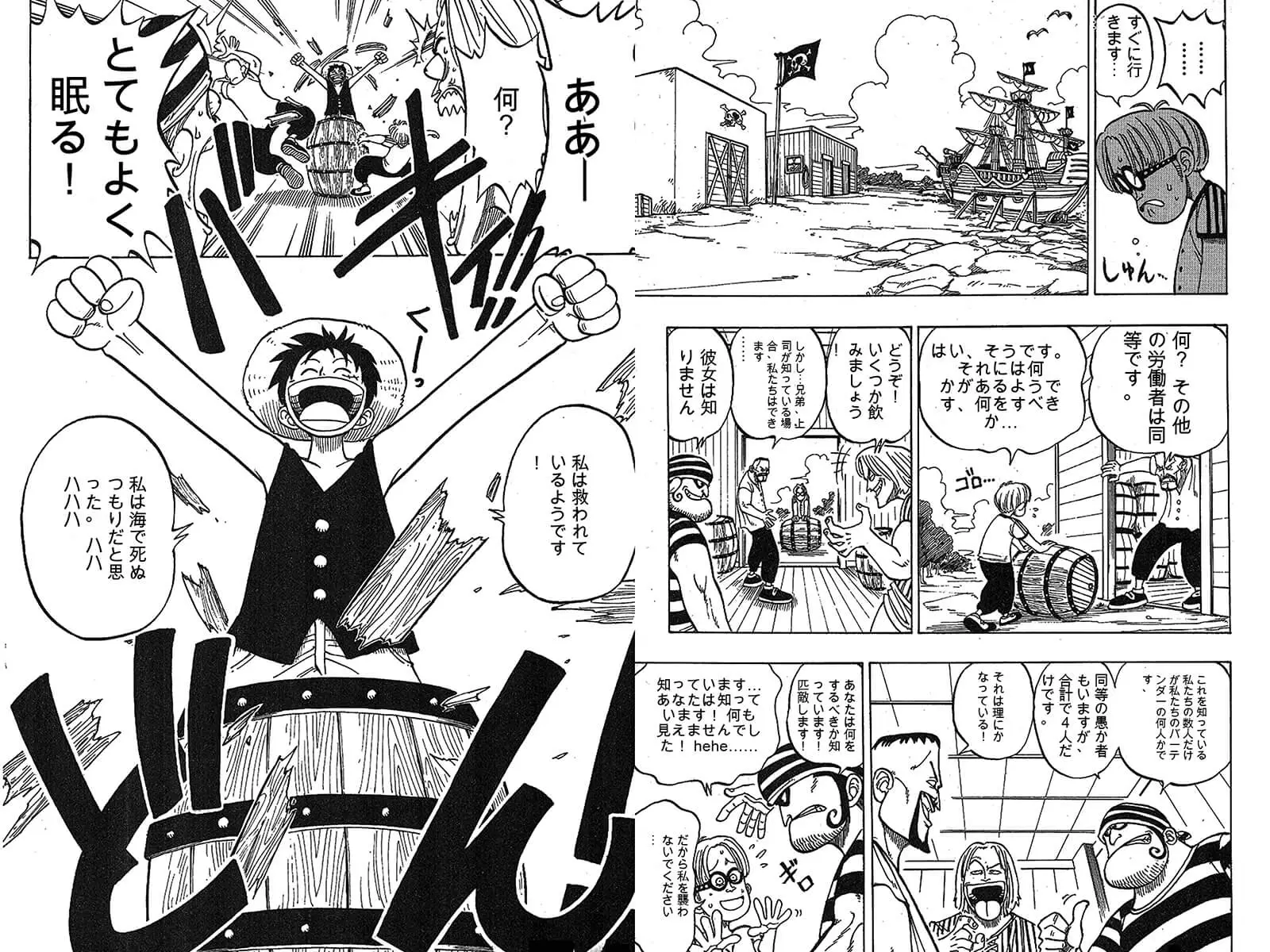

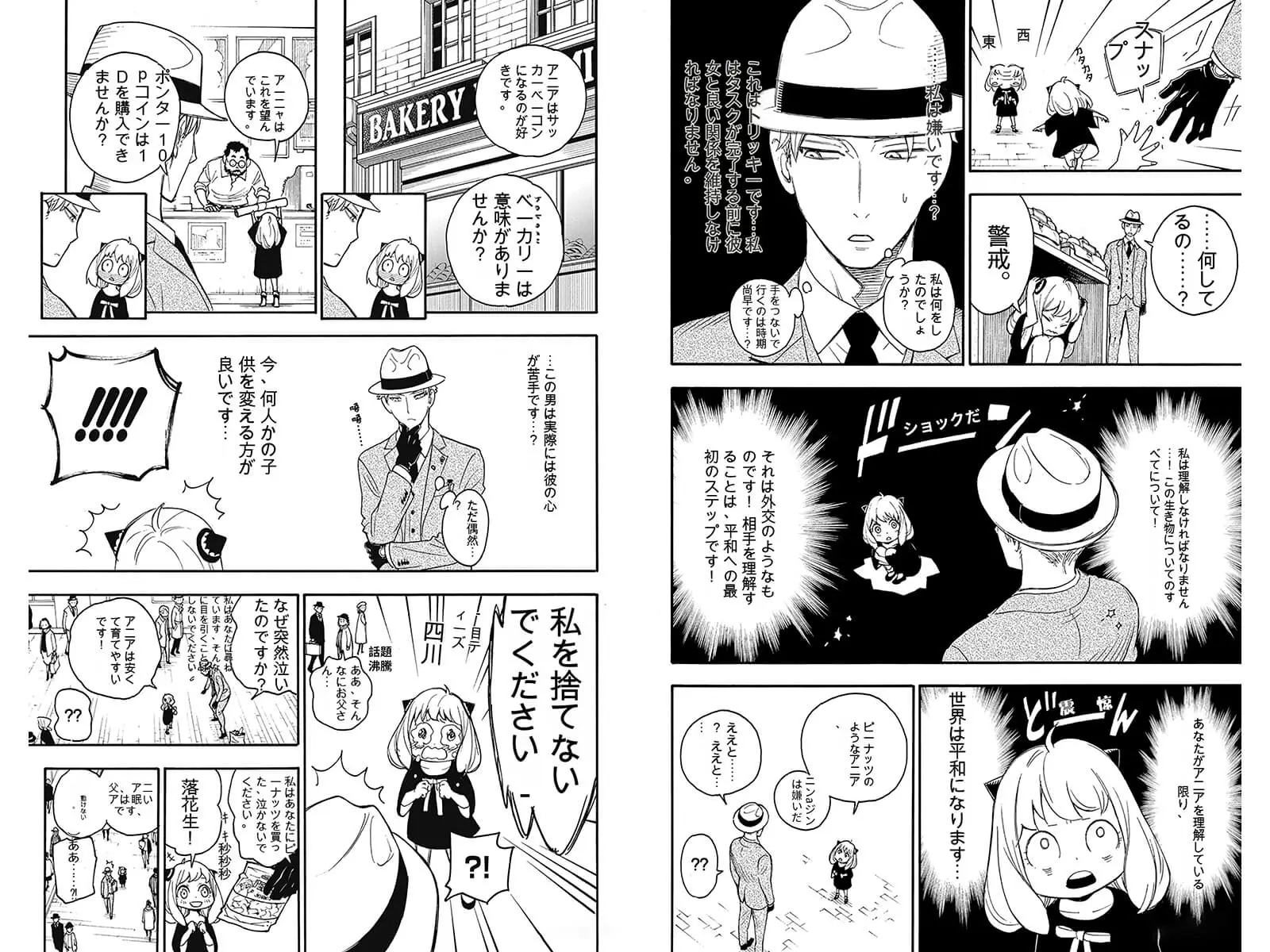
How do I translate a manga image online?
Upload a manga or manhwa page, choose the language you want, and start the translation. The AI finds the text in each speech bubble, translates it into one of 130+ target languages, and writes the translation back into the same bubble, so the page keeps its original layout and artwork. You need to sign in to translate, and each page usually takes under a minute.
Supported files and limits
- Images such as JPG, PNG and WEBP, up to 3MB each
- Up to 30 images per batch, translated one by one
- PDF files up to 20MB on subscription plans
- 130+ target languages, including English, Spanish, French, Portuguese, Indonesian, Korean, Chinese and Japanese
Translate manga images in four steps
- Upload. Drag and drop manga pages into the upload area, or click to select files.
- Choose the target language. Pick the language you want to read in from the language menu.
- Translate. Start the translation. Each finished page appears as soon as it is ready.
- Download. Click a page to view it full size and download it. For batches, turn on Auto Download Translated Manga to save each page automatically.
Free and paid translation
Sign in to translate. New accounts get 8 free images in the first 12 hours, then 2 free images every day. Free translations use a basic model.
Paid plans add more translations, multi-model support with GPT-4o, Papago and Google Translate, PDF translation and text removal. The model is set by your plan; there is no separate model menu. See pricing for details.
Tips for better results
- Use clear, high-resolution pages. Blurry or heavily compressed images make small text and sound effects harder to detect.
- Translate a chapter in order so names and recurring terms stay consistent.
- Check names and honorifics on the first few pages; AI translation can vary on them.
- Wordplay, puns and stylized sound effects may lose meaning. For publishing, have a fluent reader review the result.
Manga image translation questions
Can I translate a whole chapter at once?
Yes. Upload up to 30 pages in one batch. Pages are translated one by one, and you can turn on auto-download so each page is saved when it finishes.
Can I translate PDF manga?
Yes, on subscription plans. Switch to the Manga PDF tab on the translator and upload a PDF up to 20MB.
Is the original layout kept?
Yes. The translation is written back into the original speech bubbles, and the artwork, panels and page size stay the same.
What if I only want to remove the original text?
Use Remove Text from Manga to erase the text and keep or remove the bubbles, then letter your own translation. Text removal is available on paid plans.
Why did a page fail to translate?
The most common reasons are a file over 3MB, an image that is not a supported format, or a temporary network issue. Check the file and try again; failed pages are not charged.
Ready to translate your first page?
Upload a manga page